
In this article
The Evolution of UX in AR & VRThe Psychology of Immersive ExperiencesAccessibility Challenges in Virtual InterfacesThe Role of Sound and Haptics in UXDesigning Seamless Transitions Between Real & VirtualWhat’s Next? The Future of Extended Reality (XR)Final ThoughtsWhat's Next?The Evolution of UX in AR & VR
User experience (UX) has traditionally revolved around 2D interfaces—websites, apps, and touchscreen interactions. However, as augmented reality (AR) and virtual reality (VR) become mainstream, UX is entering a new dimension.
Unlike traditional interfaces, AR and VR experiences are:
✅ Spatial – Users interact with environments rather than flat screens.
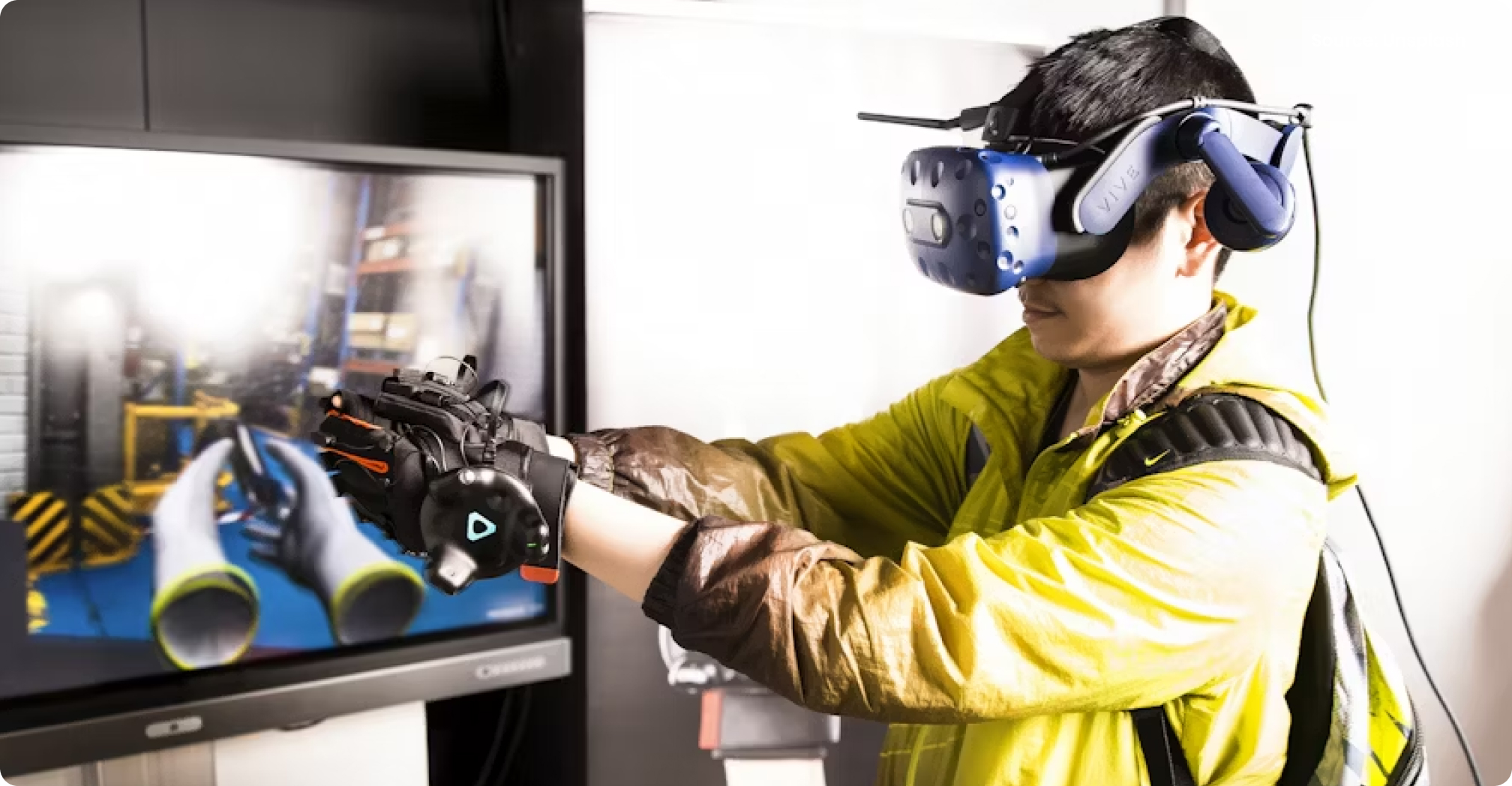
✅ Gesture-driven – Hand movements, voice commands, and gaze tracking replace buttons and clicks.
✅ Immersive – Instead of passively consuming content, users engage with it in real-time.
Brands are already embracing these technologies:
IKEA Place (AR) lets users visualize furniture in their homes before purchasing.
Meta Horizon Worlds (VR) creates virtual meeting spaces for remote teams.
Snapchat & Instagram (AR) use interactive filters for brand engagement.
As AR and VR adoption grows, UX designers must rethink how users navigate, interact, and experience digital spaces.
The Psychology of Immersive Experiences
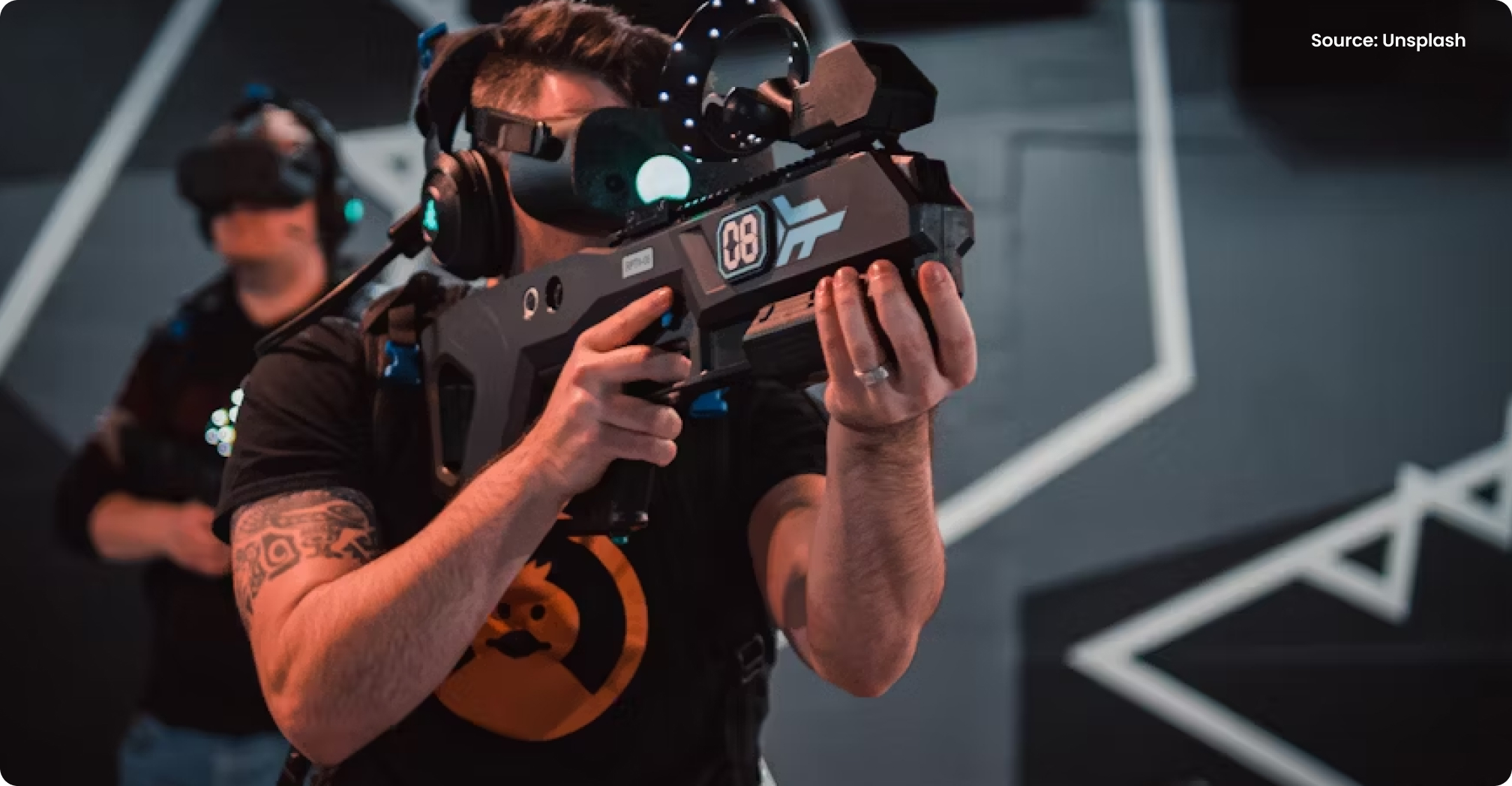
Immersive experiences in AR and VR affect users on a psychological level, creating a sense of presence—the feeling of truly "being there" in a virtual environment.
Key psychological factors in AR/VR UX:
- Embodiment – Users feel connected to their virtual self (avatar) if movement and responses are natural.
- Cognitive Load – Overcomplicated interfaces can lead to sensory overload, making experiences frustrating rather than engaging.
- Spatial Awareness – Users expect real-world physics to apply in virtual spaces (e.g., gravity, depth perception).
A great example is Google Earth VR, which allows users to “fly” over global landscapes in first-person view. The realism and freedom of movement make the experience incredibly immersive.
For UX designers, this means designing with natural, intuitive interactions in mind. If an action feels unnatural in real life, it will feel even worse in AR and VR.
Accessibility Challenges in Virtual Interfaces
AR and VR present new accessibility challenges that designers must address:
- Motion Sickness – Sudden movements in VR can cause nausea. Smooth transitions and adjustable speed settings help mitigate this.
- Limited Mobility Considerations – Some users may not be able to perform large gestures. Alternative control methods (e.g., eye tracking, voice commands) improve inclusivity.
- Cognitive Load & Readability – Floating text or UI elements should be clear, high-contrast, and easy to read.
One brand getting accessibility right is Microsoft's HoloLens, which incorporates voice commands and hand gestures for users with mobility impairments.
To make AR and VR truly inclusive, UX designers must think beyond the average user and consider a wide range of abilities and needs.
The Role of Sound and Haptics in UX
Unlike traditional UX, where visuals dominate, AR and VR rely heavily on sound and haptic feedback to guide users.
- Spatial Audio – Sounds should change based on direction and distance (e.g., a virtual conversation should sound different if someone is behind you vs. in front).
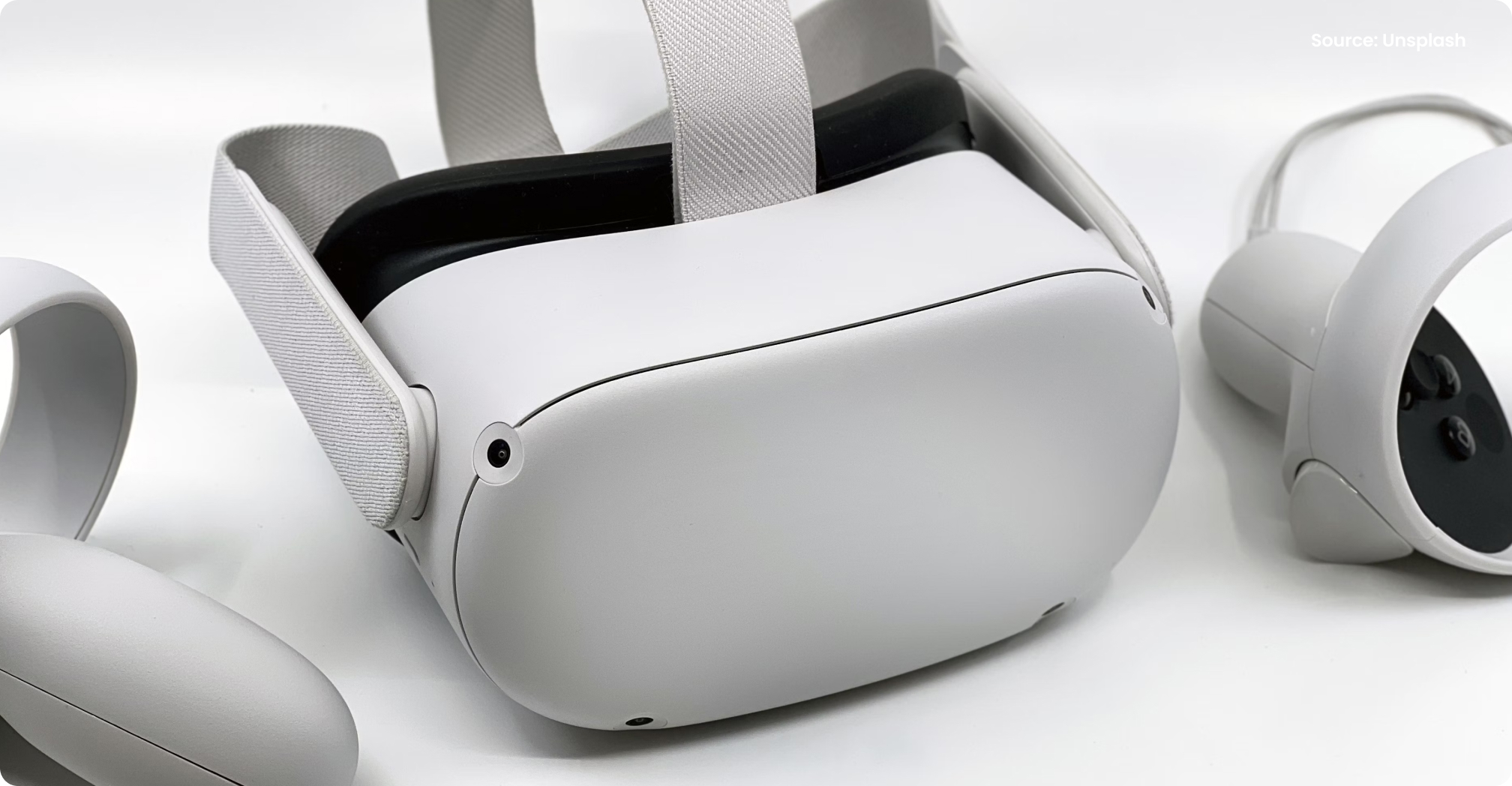
- Haptic Feedback – VR controllers can provide vibrations or resistance to simulate textures and weight, increasing realism.
- Voice Interaction – Many VR environments now support natural speech recognition, allowing users to interact with virtual elements by talking instead of tapping.
A prime example is Apple Vision Pro, which integrates eye tracking, voice commands, and hand gestures for a seamless, intuitive experience.
For UX designers, this means designing experiences that engage all the senses—not just sight.
Designing Seamless Transitions Between Real & Virtual
One of the biggest UX challenges in AR is merging digital content with the real world. Poorly designed AR experiences can feel disruptive or unnatural.
- Real-World Anchoring – AR elements should “stick” to surfaces naturally, avoiding jittering or floating in random spaces.
- Context-Aware Design – UX should adapt based on the user’s environment (e.g., Google Maps AR adjusts its brightness based on daylight conditions).
- Natural Gestures – Pinching, swiping, and grabbing should feel intuitive—just like in real life.
A great case study is Pokémon GO, which seamlessly blends AR creatures into real-world locations, making the experience feel organic rather than forced.
To create frictionless AR experiences, designers must make digital interactions feel as natural as real-world interactions.
What’s Next? The Future of Extended Reality (XR)
Extended Reality (XR)—the umbrella term for AR, VR, and mixed reality (MR)—is evolving rapidly. The future of UX in XR will include:
✅ AI-Driven Personalization – AI will adjust AR/VR interfaces based on individual user habits.
✅ Hyper-Realistic Avatars – Advances in facial tracking will make virtual interactions more lifelike.
✅ Brain-Computer Interfaces (BCIs) – Companies like Neuralink are working on mind-controlled UX interactions.
With major players like Apple, Meta, and Google investing in XR, UX designers must stay ahead of these shifts to create engaging, intuitive experiences.
Final Thoughts
AR and VR are no longer futuristic concepts—they’re redefining UX today. The future of UX isn’t just about screens; it’s about immersive, spatial, and multi-sensory interactions.
To design for AR/VR successfully, UX professionals must:
✅ Embrace natural, intuitive gestures
✅ Consider accessibility & motion sickness
✅ Incorporate sound and haptics for realism
✅ Design seamless transitions between real & virtual
The next generation of UX will be fully immersive, deeply interactive, and powered by AI. Designers who adapt now will shape the digital experiences of the future.
What's Next?
As AR/VR adoption grows, UX designers must rethink user engagement. Are your designs ready for the immersive revolution?